SpeakAtClub

A website your Toastmasters club actually uses every week

SpeakAtClub is a website for your Toastmasters club. Members open the meeting agenda during the week and sign up for roles themselves. Officers use the same site to publish meetings, follow up with guests, and run meeting night—including reminders, check-in, the timer, and Table Topics voting.

Published agenda (member view)
Members open the agenda and sign up for roles—without a group text from the VPE.

Made for how Toastmasters clubs already run

You don’t have to chase members by text or email to fill the agenda. You can see which guests still need a call. On meeting night, check-in, the timer, and voting stay in one place—no second spreadsheet.

Members sign up for open roles

Fill the agenda without chasing people

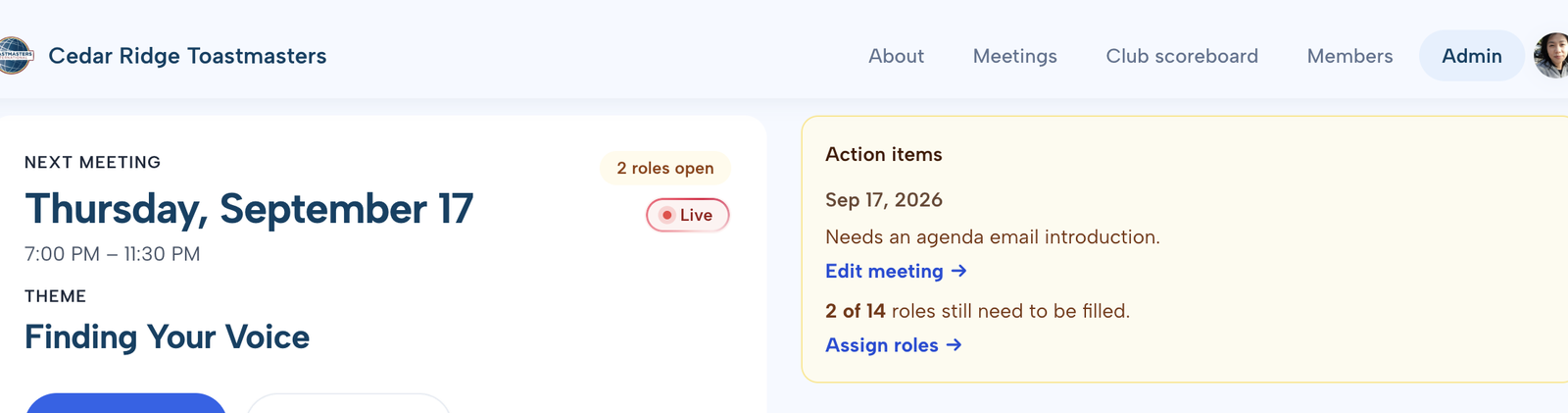
Publish the meeting early. Members sign up for open roles on the agenda instead of waiting for a group text. Automatic reminders cover empty slots and missing speech titles. Officers see what’s still open before the night.

See agendas
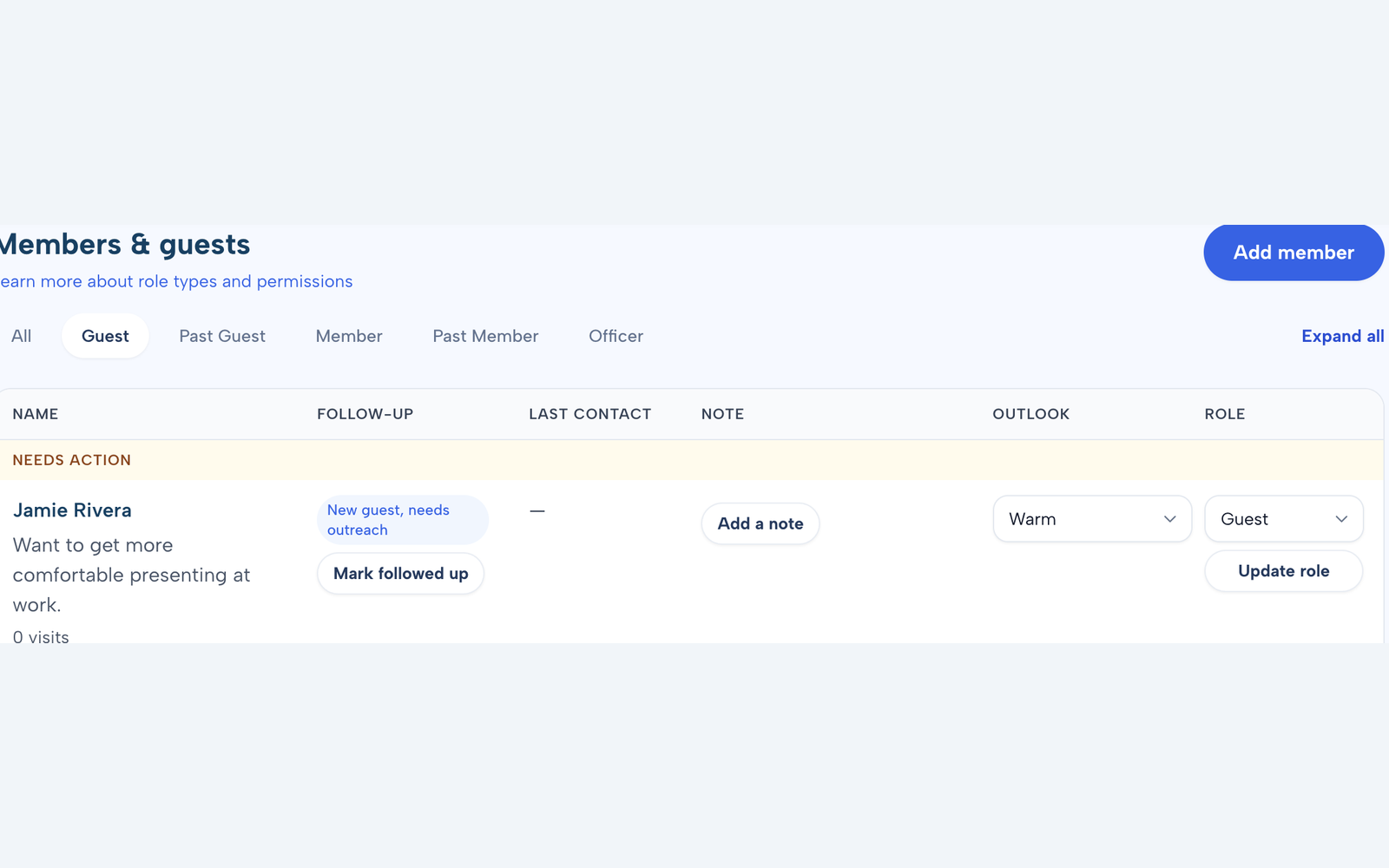
Who still needs a guest call

Keep guest follow-up in one place

Guests register online instead of on a scrap of paper. You see who still needs a call (Needs action), log what you did, and note how interested they seem. SpeakAtClub also flags guests who visited once and never came back. After the meeting, it can send emails that say Thanks for visiting or Sorry we missed you.

See guest follow-up
Door check-in on phones

Run meeting night without the clipboard pile

About an hour before start, guests and members check in on their phones. Officers start the meeting, take attendance, run the timer, and open Table Topics voting—without juggling a clipboard, a timer app, and a separate vote sheet.

See meeting night

How a typical week works

The same rhythm your club already knows—create the meeting, fill roles, remind people, meet, wrap up—on one website.

  1. Publish the meeting

    The VPE creates the meeting and makes it visible to members about 10 days ahead.

  2. Members sign up for roles

    People take speaking and supporting roles themselves. Officers can still assign someone when needed.

  3. Reminders go out

    Email reminders cover open roles, the full agenda, missing speech details, and guest visit invites.

  4. People check in

    About an hour before start, guests and members open the check-in page on their phone.

  5. Run the night

    Timer, attendance, and Table Topics voting stay on the same site.

  6. Wrap up

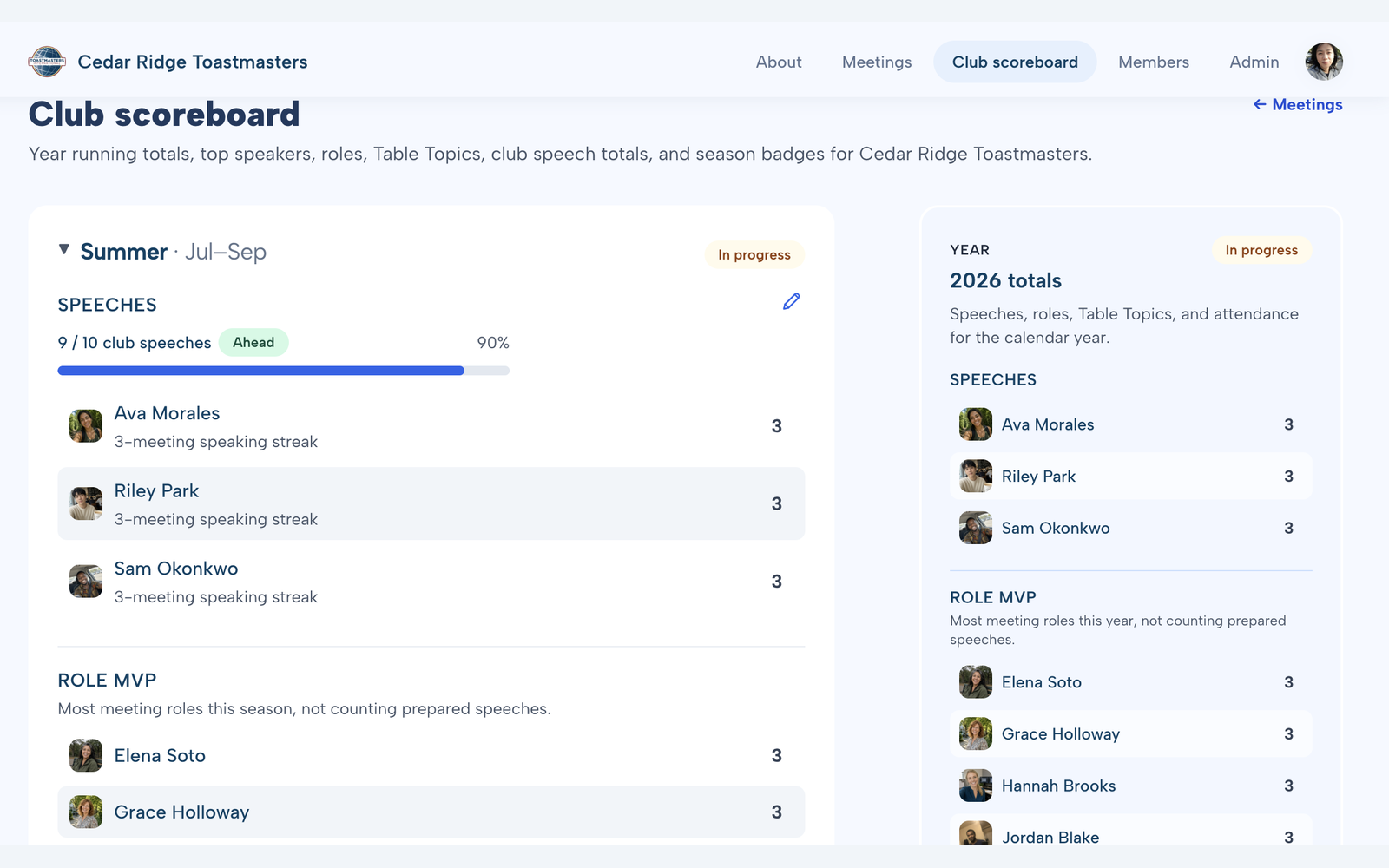
    When the night is done, mark the meeting completed so the scoreboard, badges, and history update.

Empty roles and missing speech titles before meeting night
Know what’s still open before the meeting—without digging through email.

Also included

Members can put the club site on their phone home screen. Officers get a scoreboard, badges, and club news. Guests land on a public homepage at a URL like speakat.club/cedar-ridge .

Built for Toastmasters clubs that run meetings every week—not a district portal, and not a generic website builder.

From Cedar Ridge Toastmasters

SpeakAtClub grew out of real weekly meeting work at Cedar Ridge Toastmasters.

“The agenda is where members go every week. Open roles get filled without me texting half the roster.”

VPE, Cedar Ridge Toastmasters

“Guest follow-up finally has a home. Needs action tells me who still needs a call after they visit.”

VPM, Cedar Ridge Toastmasters

“On meeting night we share the check-in page, start the meeting, and run Table Topics voting without a separate spreadsheet.”

Sergeant at Arms, Cedar Ridge Toastmasters

Bring SpeakAtClub to your club

Apply for the invitation beta. It’s free while beta runs. Clubs in beta get half off their first year once we go live. After that, expect from about $4/month by club size (estimates).