
Agendas and reminders
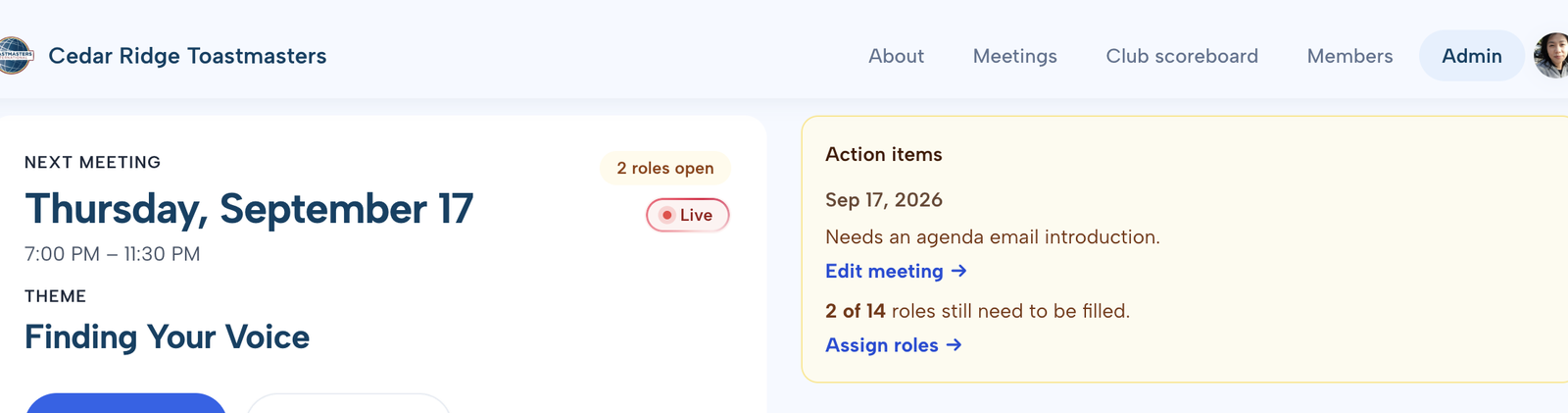
Stop filling the agenda by group text. Publish the meeting, let members sign up for open roles themselves, and let SpeakAtClub send reminders when slots are still empty or speech titles are missing. When the group chat stops answering “who’s taking Timer?”, you can see empty roles and missing speech titles in one place— without scrolling the thread. Officers use Overview when they want that snapshot.
Stop chasing sign-ups in chat—publish when the draft is ready
Build the agenda privately, then publish when members should start claiming roles— instead of posting half-finished details in a group text. You can still assign someone yourself when a person needs a personal nudge.
- Keep the meeting in draft until roles and details are ready for members—no premature “sign up now” messages
- Members sign up for open roles on the agenda—no more “who can take Timer?” texts
- Speakers add title, intro, and optional Pathways path and project in one place
- Set the meeting theme and the intro members see in agenda email—without retyping it every week
- Print the agenda or let members subscribe to the calendar (iCal)

Can’t attend when plans change
When plans change, a member can drop out without texting the VPE; their roles reopen on the agenda for someone else. SpeakAtClub notifies the member and sends officers Agenda Updates and the VPE role digest— so you’re not rebuilding the agenda at 5 p.m.
- Their roles free up so another member can take them
- They can mark themselves available again if plans change
- The member gets a notice their roles were released; the VPE gets a digest of role changes

Reminders that do the chasing for you
You don’t have to send another “roles still open” message yourself. SpeakAtClub emails members about open slots, the full agenda, missing speech details, and guest visit invites. Each person’s own roles are bolded, with a How to do this role link when a guide exists. Members who install the club site can get the same reminders by push and in the inbox— on the same schedule as email.
- A signup reminder when roles are still empty
- An agenda reminder that highlights that member’s roles
- A nudge when speech titles or intros are still missing
- Guest visit invites and meeting reminders
- VPE emails when it’s time to create the next meeting, prep the upcoming one, and review daily role changes

Bring SpeakAtClub to your club
Apply for the invitation beta. It’s free while beta runs. Clubs in beta get half off their first year once we go live.